Arrow navigation
Everything is reachable with the D-pad, with no pointer and no touch gestures.
 AICKO IPTV: the free app for your IPTV playlists
Android boxes and televisions
An interface built for the remote: arrow navigation, a focus halo always in view, and setup from your phone.
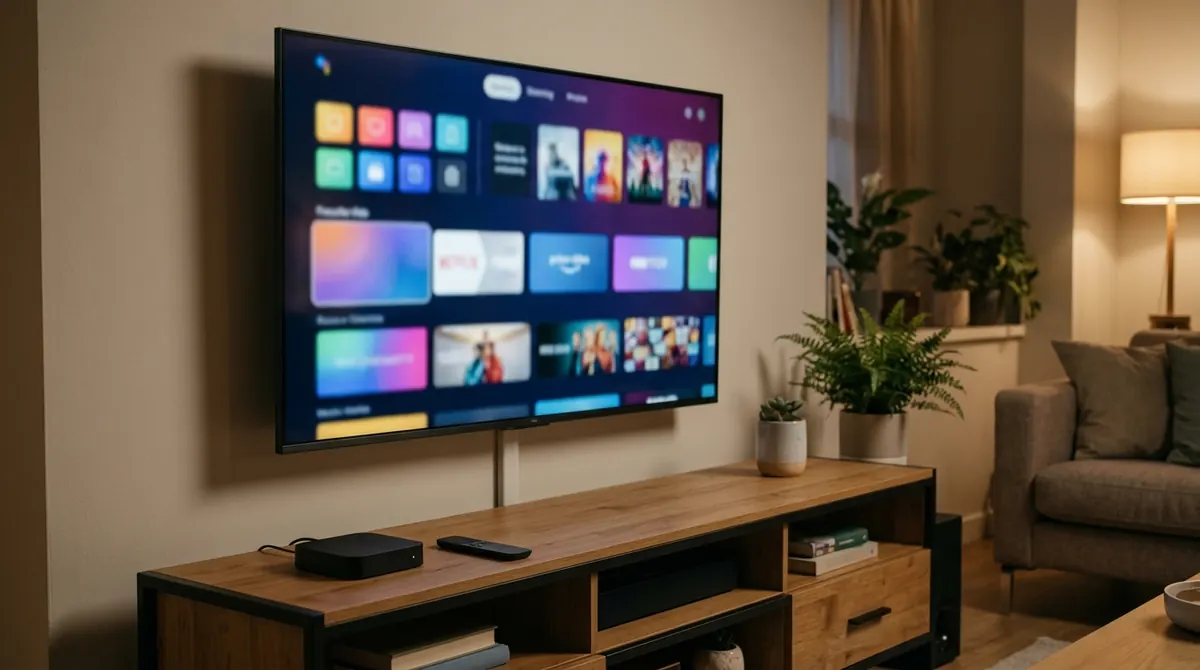
An Android TV box or a Fire TV Stick makes the app available on any television, however old, as long as it has an HDMI socket.
On these devices there is no thumb and no cursor: there is a D-pad. The app therefore offers an interface separate from the mobile one, where every item is reached with the arrows and the selection is marked by a golden halo that stays legible even over a bright poster.
Grids, poster rows and the sidebar are sized for reading from the sofa. See Smart TV and boxes.
On a Fire TV Stick, prefer a wired network or a good Wi-Fi spot: most stuttering playback on these sticks comes from throughput, not from the player.
Everything is reachable with the D-pad, with no pointer and no touch gestures.
Six digits on the screen; the typing happens on a real keyboard.
Current and next programme, sized to be read from a distance.
The questions we are asked most often about AICKO IPTV.
Yes. The app supports Amazon Fire TV as well as Android TV and Google TV, with the remote interface and D-pad navigation.
Open the device’s Play Store, search for AICKO IPTV and install it. Then set the subscription up with pairing by code.
Yes: an Android TV box or a Fire TV Stick plugged into HDMI brings the app to any television with an HDMI socket.
No. Pairing by code shows six digits on the television and lets you type everything on your phone.
The app is free and works with your own IPTV subscription. Pick your device: the mobile link sends you straight to the right store.