Reversible
Hiding erases nothing. You can bring a category back whenever you like.
 AICKO IPTV: the free app for your IPTV playlists
Tidying your catalogue

A subscription often carries hundreds of sections. Keep the ones you watch and push the rest aside — once, on every screen.
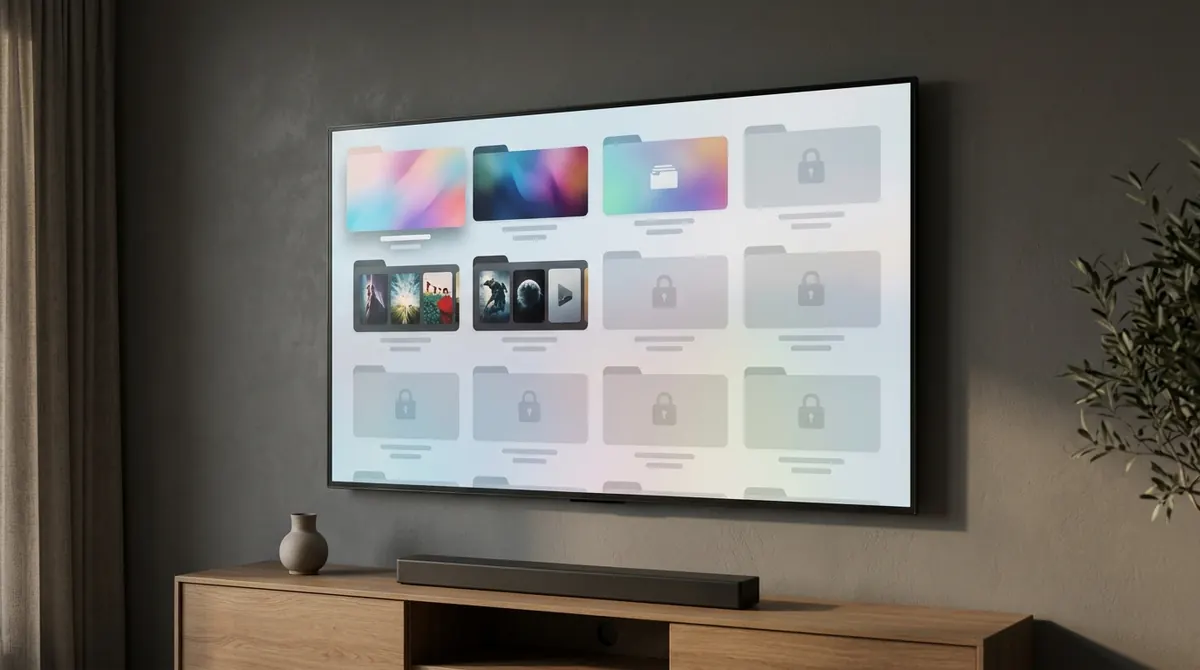
IPTV subscriptions are generous in volume: several hundred categories, many of them about countries, languages or themes that mean nothing to you. As a result, the section you open every evening is buried among dozens of others you will never open.
No player can guess which ones matter to you. What it can do is let you say so once and for all.
From the list of categories, choose Hide on the ones you no longer want. They disappear from navigation at once — in live TV, in movies and in series alike. The move is reversible at any time: nothing is deleted, only hidden.
This setting belongs to your account and is synced. Do the tidying comfortably from your phone: the television and the PC inherit it the next time they start. It is exactly the kind of task you do not want to repeat with a remote.
Hiding erases nothing. You can bring a category back whenever you like.
Sort things out on the phone keyboard; the television follows.
Hiding applies to all three catalogues, not only to channels.
The questions we are asked most often about AICKO IPTV.
From the list of categories, choose Hide on the ones that do not interest you. They disappear from navigation straight away.
No. Nothing is removed from your subscription: the category is only hidden from view, and you can show it again at any time.
No. Hiding belongs to your account and is synced: set it once from your phone, and the television and the PC inherit it.
Yes, to all three catalogues: live channels, movies and series.
The app is free and works with your own IPTV subscription. Pick your device: the mobile link sends you straight to the right store.