iPhone and iPad
One app, fitted to both screen sizes.
 AICKO IPTV: the free app for your IPTV playlists
iOS
Available on the App Store for iOS 14 and later, with your favourites and your progress synced.
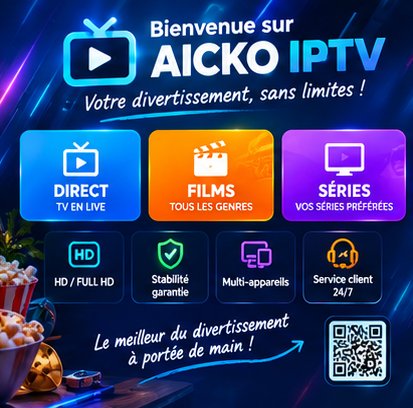
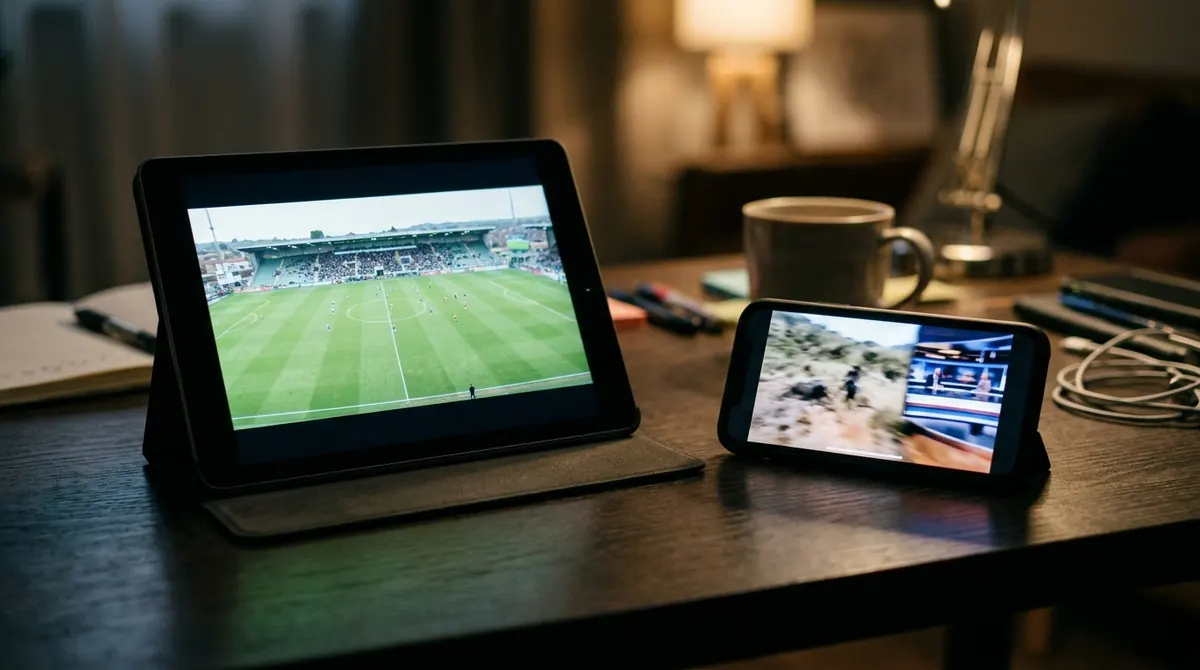

The mobile interface is built for the thumb: the player controls stay within reach and fade away during playback. You get every feature — live TV with EPG, movies, series, global search and favourites.
Your iPhone also sets the television up: it scans the QR code shown on screen and passes the credentials over. See TV pairing.
Updates go through the App Store, like any other app. The details of the data processed are in the privacy policy.
One app, fitted to both screen sizes.
A real keyboard: entering server and password takes less than a minute.
The phone scans the television’s code and passes the credentials over.
The questions we are asked most often about AICKO IPTV.
iOS 14 or later, on iPhone as well as iPad.
On the App Store. You can also go through our download link, which sends you automatically to the right place for your device.
Yes, downloading and using it are free, with no advertising. You do need your own IPTV subscription on top.
Yes. Favourites and playback progress are synced: the movie resumes at the right second on the other screen.
The app is free and works with your own IPTV subscription. Pick your device: the mobile link sends you straight to the right store.