Opens the right thing
The notification opens the movie, series, channel or screen it announces.
 AICKO IPTV: the free app for your IPTV playlists
Keeping up to date
Hear about what is new, and let each notification take you straight to the screen it is about.
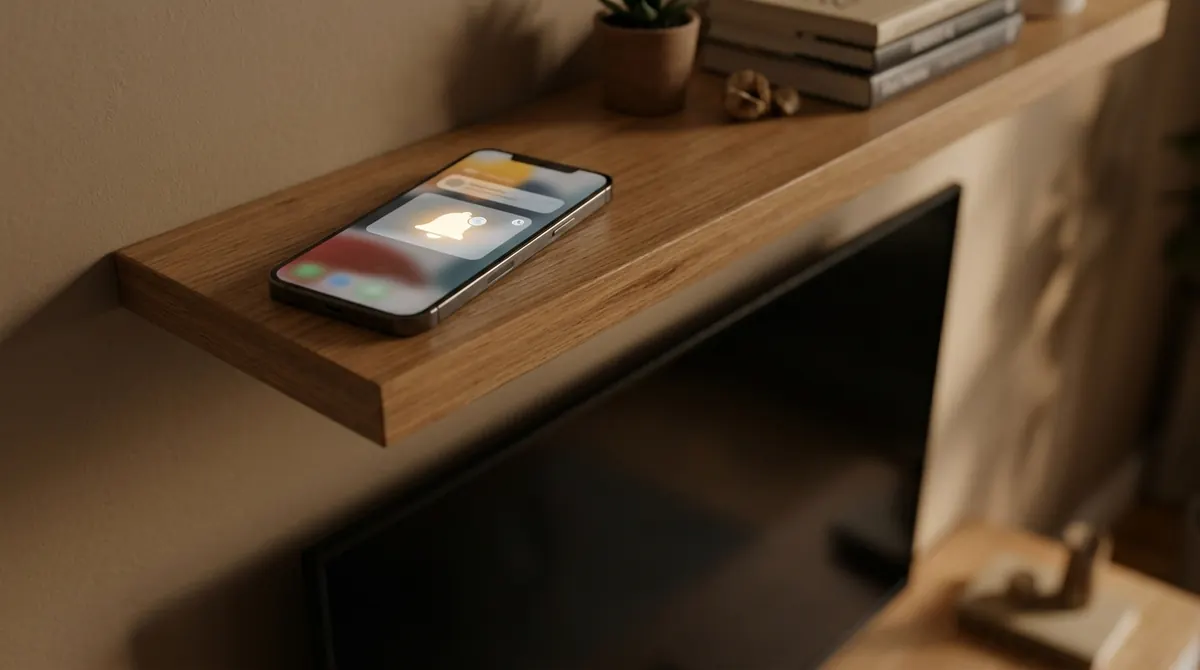
A notification that merely opens the home page is not much use. In AICKO IPTV, every notification carries its destination: a movie, a series, a particular channel, or a screen of the app such as the playlist setup or TV pairing. You land directly where it says.
Notifications rely on your system’s standard mechanism: you can decline them at install time or turn them off later in your phone’s settings. The app remains fully usable without them.
On iOS and Android, updates go through the App Store and Google Play, like any other app.
On Windows, the app checks for a newer version itself and offers to download it. You can also fetch the latest installer at any time from the Download page: the link always points to the most recent published version.
The notification opens the movie, series, channel or screen it announces.
Decline them at install time or turn them off later: the app works without them.
The app flags new versions and the site always serves the most recent one.
The questions we are asked most often about AICKO IPTV.
From your phone’s notification settings, under AICKO IPTV. You can also decline them when permission is first requested. The app works normally without them.
The app checks whether a new version is available and tells you. You can also download the latest installer from the Download page, which always points to the most recent published version.
No. They are about new features and app updates. AICKO IPTV shows no advertising.
The app is free and works with your own IPTV subscription. Pick your device: the mobile link sends you straight to the right store.