Audio tracks
Switch between the languages the stream offers, when it carries several.
 AICKO IPTV: the free app for your IPTV playlists
Video player

Audio tracks, subtitles, aspect ratios and automatic restart after a dropout: the player is built so as not to leave you facing a black screen.
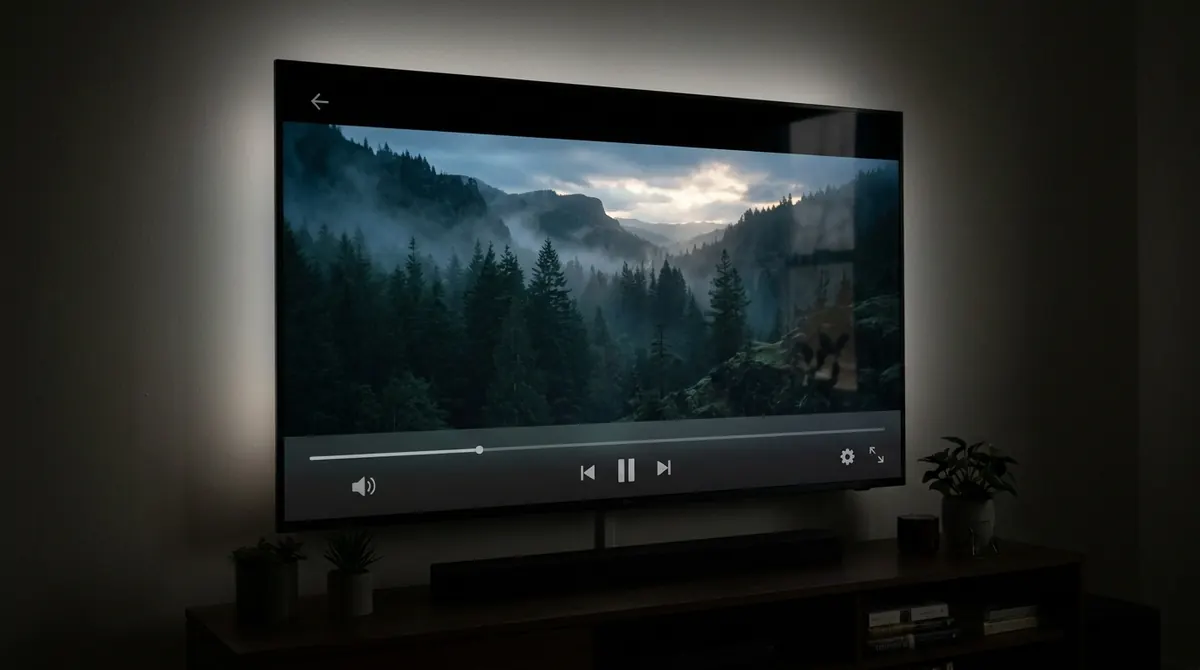
The AICKO IPTV player gives you the settings that matter: pick the audio track when the stream offers several, turn subtitles on, change the aspect ratio to fill the screen or keep the original proportions.
An IPTV stream sometimes stops: a wobbly network, an overloaded server. A built-in watchdog detects the halt and restarts playback by itself, rather than leaving a frozen screen until you step in.
On mobile the controls sit within thumb’s reach and fade away during playback. On television they answer to the remote: play and pause, forward and back, settings, with a focus halo always visible. The player stays on a black background, with no trimmings to distract from the picture.
The AICKO IPTV player is built on libmpv, the library behind the mpv player, known for how well it holds up on network streams. It plays not only the video streams of your subscription but also the audio streams: radio stations and MP3 or AAC tracks in your playlist play with no special setting.
It is the same engine inside the Windows software, with its codecs shipped in the installer: you get the same result on a PC as on mobile and on television.
Switch between the languages the stream offers, when it carries several.
Turn the subtitles carried by the stream on or off, and choose their track.
Fill the screen or keep the original proportions, depending on the source.
A watchdog spots the stream stopping and restarts it with nothing to do on your side.
Movies and episodes keep their progress and resume in the right place.
Every control answers to the D-pad, with focus visible at all times.
The purely audio streams in your playlist play like video ones, with no setting.
The questions we are asked most often about AICKO IPTV.
Open the player settings during playback and choose the audio track you want. Only the tracks carried by the stream appear: if your provider sends just one, there is nothing to select.
Yes, for subtitles embedded in the stream. You can turn them on, turn them off and choose their track. The app does not fetch external subtitles.
A watchdog detects the interruption and restarts playback automatically. If the cut comes from your provider’s server, the restart will only succeed once that server is reachable again.
Quality depends on the stream sent by your subscription and on your internet speed, not on the player. Try the same channel on another network: if the problem follows you everywhere, it comes from the source.
The app is free and works with your own IPTV subscription. Pick your device: the mobile link sends you straight to the right store.