The problem pairing solves
Setting up an IPTV subscription on a television means entering a server address, a username and a password — sometimes several dozen characters — letter by letter, on the on-screen keyboard, with a remote. It takes forever, and the smallest typo ends in a connection failure that is hard to diagnose.
How it works
The television shows a code
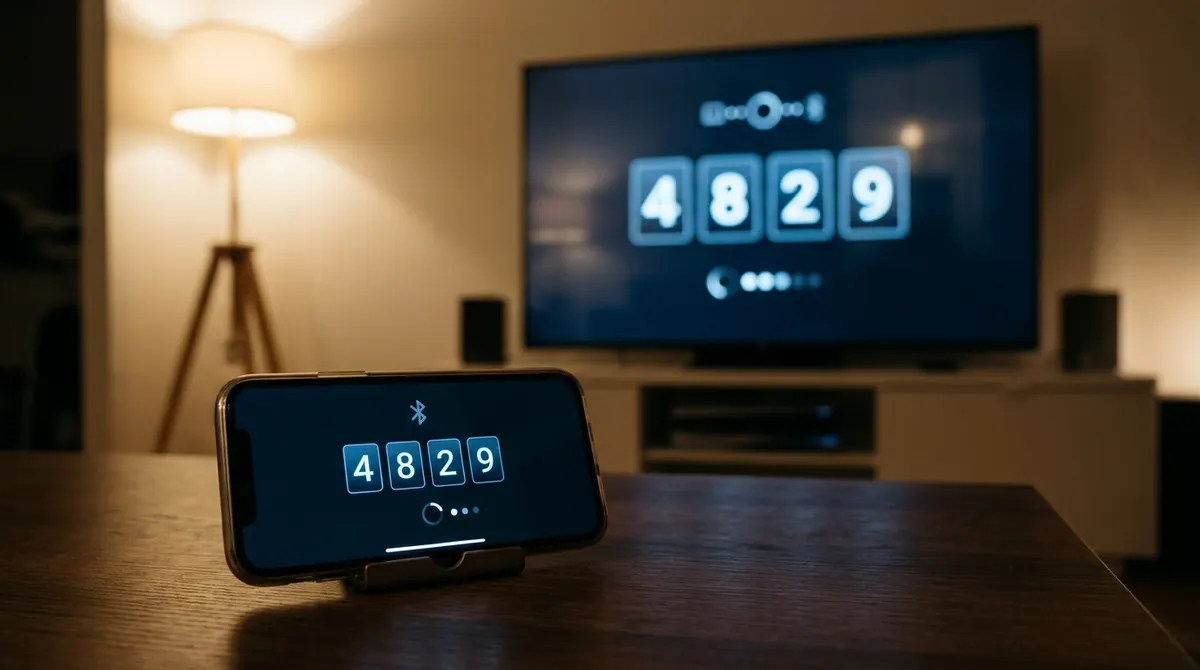
Open AICKO IPTV on your television: a six-digit code appears, along with a QR code.
You type on the phone
Scan the QR code or open the pairing page, enter the code, then your Xtream Codes credentials or your M3U URL — on a real keyboard.
The television connects on its own
It fetches the settings and loads your catalogue. Nothing to type with the remote.
How long does the code stay valid?
A pairing code has a limited lifetime and stops working once it passes. That is deliberate: a code that stayed valid for ever could be reused by anyone who glimpsed the screen. If yours has expired, simply start pairing again to get a new one.
What if I would rather type everything on the television?
You can: manual entry is still available in the app. Pairing is a shortcut, not an obligation.
Frequently asked questions
The questions we are asked most often about AICKO IPTV.
How do I connect AICKO IPTV to my television without typing my credentials?
Start the app on the television: it shows a six-digit code and a QR code. Scan it with your phone, enter your credentials on the page that opens, and the television connects automatically.
The pairing code has expired — what now?
Start pairing again on the television to get a new code. The limited lifetime is a safety measure: it stops a code glimpsed on screen from being used later.
Do my credentials travel in the clear during pairing?
No. The exchange happens over HTTPS, and the code — single-use and short-lived — only serves to link your phone to that particular television. See the privacy policy.
Can I pair several televisions to the same subscription?
As far as the app is concerned, yes: repeat the pairing on each device. The number of simultaneous streams, however, is set by your subscription provider, not by AICKO IPTV.