Programme guide
The EPG sent by your provider appears under the channel: current title, times and the next programme.
 AICKO IPTV: the free app for your IPTV playlists
Live channels

All your live channels, sorted by category, with what is on now and what is on next shown under each one.
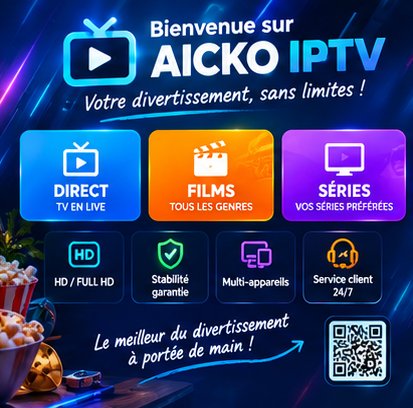

AICKO IPTV keeps the categories sent by your provider: national channels, sport, cinema, kids, international channels. You find the exact layout of your subscription, with nothing to reorganise.
Every channel shows its logo, its name and, when your provider sends a guide, the programme on air right now along with the one that follows. A single tap starts playback.
A subscription often carries several hundred categories, many of which mean nothing to you. You can hide a category: it disappears from the list on every one of your devices, because that setting is synced with your account.
The EPG sent by your provider appears under the channel: current title, times and the next programme.
The channel starts with no page in between. The player keeps the list within reach so you can switch without reloading everything.
Your preferred channels move up into a dedicated category, available on every device.
Type the first few letters: the list filters as you type, with the remote control too.
Push aside the categories that do not interest you in one move. The setting follows your account.
If the stream fails, the player restarts the channel by itself instead of leaving you on a black screen.
The questions we are asked most often about AICKO IPTV.
The EPG (Electronic Program Guide) is the schedule of programmes sent by your provider. AICKO IPTV shows it under each channel: what is on now, the times and what is on next.
Because the EPG does not come from the app but from your subscription. If your provider sends no guide for a channel, no player can display one. Check with them that the EPG is included in your plan.
From the list of categories, choose hide for the ones that do not interest you. They disappear at once, and the setting is synced to your other devices.
The app sets no limit: it shows everything your subscription returns, including lists of several thousand channels. The catalogue is cached so that opening it stays fast.
The app is free and works with your own IPTV subscription. Pick your device: the mobile link sends you straight to the right store.