
iOS 14 or later
iPhone and iPad. Distributed through the App Store, with automatic updates.
 AICKO IPTV: the free app for your IPTV playlists
Every platform
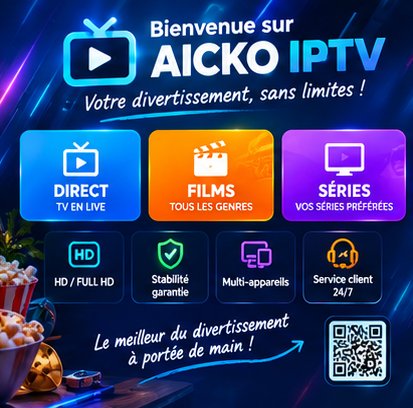
The video and audio player for your Xtream Codes and M3U playlists, as a mobile app, as PC software and on television. Free, with no advertising.
The link below detects your device and sends you automatically to the App Store or to Google Play.
iPhone and iPad. Distributed through the App Store, with automatic updates.
Phones and tablets. Distributed through Google Play.
A full software version for the PC, installed directly — with no app store in between.
.exe file. Windows may show a SmartScreen warning on a recently published installer: choose More info then Run anyway.The button always serves the latest published version: the link stays valid, so you can bookmark it. The software also flags updates by itself.
Install from your device’s app store.
Search for AICKO IPTV in the Play Store of your television or box.
Available for the Fire TV Stick and Fire TV televisions.
Televisions from 2018 onwards (Tizen 4.0 or above).
Once the app is installed on the television, use pairing by code: you enter your credentials on your phone instead of typing them with the remote.
The questions we are asked most often about AICKO IPTV.
Yes, on every platform. The app is free and carries no advertising. It does need an IPTV subscription, which you take out separately with the provider of your choice.
Download the installer from this page, run the .exe file and follow the wizard. If Windows shows a SmartScreen warning, choose More info then Run anyway: it appears on any recently published installer.
The download button on this page always points to the most recent version, and its address does not change. The software also tells you when an update is available.
It supports Android TV, Google TV, Amazon Fire TV and Samsung televisions from 2018 onwards (Tizen 4.0 or above). For a television that is not supported, an Android TV box or a Fire TV Stick over HDMI does the job.
An account lets you sync your favourites, your playback progress and your hidden categories across devices. That is what lets you start a movie on the phone and finish it on the television.
The app is free and works with your own IPTV subscription. Pick your device: the mobile link sends you straight to the right store.