What exactly is an IPTV player?
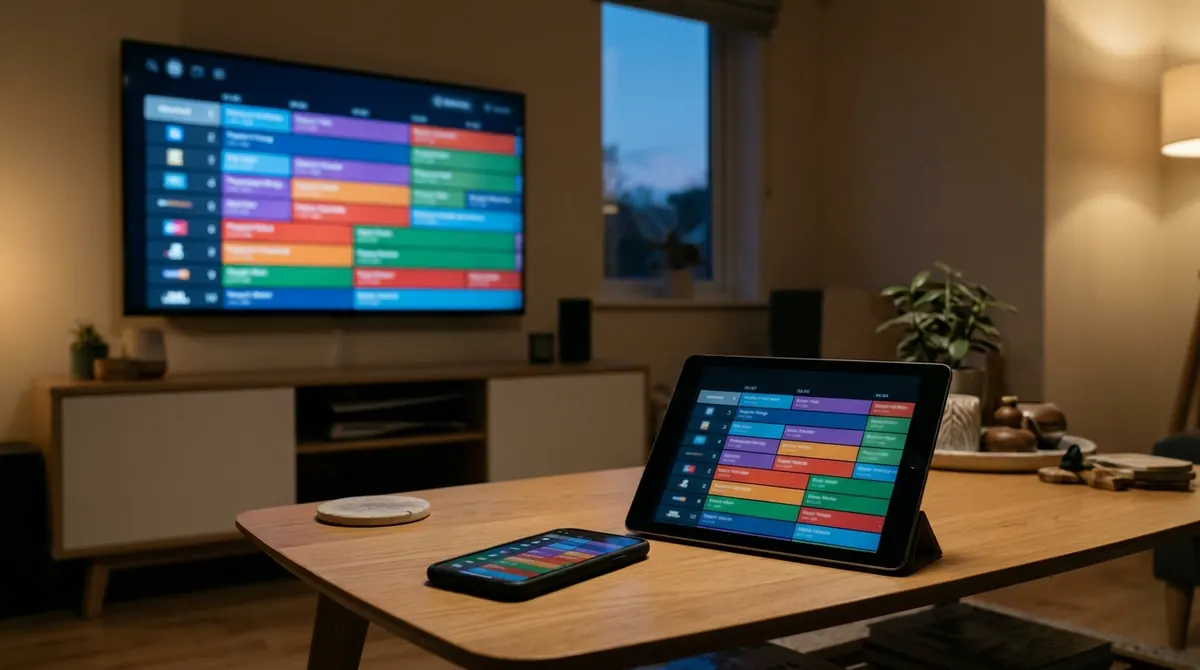
An IPTV player is an app that shows, on your phone, computer or TV, channels, films or series you already have access to. It works a bit like a web browser: a browser hosts no websites, it only displays them. In the same way, a player contains no channels. It connects to a service you subscribed to with a provider, using one of two kinds of information:
- Xtream Codes credentials: server address, username and password;
- or the address of an M3U playlist: a plain text file listing streams.
The player then downloads the channel list, possibly the programme guide (EPG), and plays the video streams. A player is therefore judged on three points: playback stability, clarity of the interface and compatibility with your devices.
IPTV Smarters Pro: what it is
IPTV Smarters Pro is a third-party app, published by a company independent of AICKO IPTV. It is a player: it is used to play Xtream Codes subscriptions or M3U playlists. That explains the volume of searches around its name: many people type “iptv smarters pro apk”, “iptv smarters pro windows” or “iptv smarters pro download” because they received a subscription and wonder what to play it with.
Three points deserve to be stated clearly:
- The app does not provide channels. Without a subscription obtained elsewhere, it opens on an empty login screen. The same is true of every player, AICKO IPTV included.
- It is not a TV offer. Choosing a player and choosing a provider are two separate decisions. A player does not make a subscription legal or illegal.
- Its features and platforms change. Versions, features and terms of use are set by its publisher: always check them on its official store page at the time you install, rather than in an article or video that may be out of date.
So we do not compare figures or prices here that we cannot verify. The goal is to give you a reading grid that works for any player.
APK, Windows, download: downloading safely
Searches for “apk” and “download” easily lead to general download sites. A few precautions apply to every IPTV player:
- Prefer official stores: App Store for iPhone and iPad, Google Play for Android, the app store of your TV or box.
- Be wary of APK files found on third-party sites: a modified APK can carry unwanted software. If the app is available in your device’s official store, use that.
- On Windows, download the installer from the publisher’s website, typing the address yourself. Windows may show a SmartScreen warning on a recent installer; our article on watching TV on a Windows PC explains how to check it.
- Never enter your credentials in a site or app that does not come from the publisher. See how to protect your credentials.
What to check before adopting a player
Whatever the player’s name, the same checklist applies. Tick what matters to you:
| Criterion | Why it matters | How to check |
|---|---|---|
| Platforms | The player must exist on all your screens, not only the phone | Store page on each device |
| Connection mode | Xtream Codes gives posters, seasons and EPG; M3U is more basic | Add-account screen |
| Programme guide (EPG) | Know what is on now and later | Open a channel that has a guide |
| Multiple accounts | Try a new provider without deleting the old one | Accounts or profiles menu |
| Typing on a TV | Typing a password with a remote is painful | A pairing code or QR code |
| Cost and ads | Some players are free, others paid or with ads | Official store page, never an old article |
| Updates | Bug fixes and compatibility with new systems | Latest version date in the store |
| Privacy | The player handles your credentials | The publisher’s privacy policy |
Xtream Codes or M3U: what your player must handle
Most subscriptions arrive in one of two formats. A good player accepts both, because you do not choose the format: your provider does. With Xtream Codes, the player queries the server and gets live TV, films, series and the guide separately. With an M3U playlist, it only reads what the file declares, and many playlists have no posters or season structure.
To understand what happens behind the login screen, read our articles on how the Xtream Codes API works and on the M3U playlist format. The Xtream Codes and M3U page describes how AICKO IPTV handles both.
When the player “does not work”
In the vast majority of cases, an IPTV player that seems broken, whichever it is, suffers from a problem that does not come from the player. Before changing apps, check in this order:
- The credentials: a typo, an extra space or a server address missing its port number is enough to block the connection.
- The subscription: expired, or limited to a number of simultaneous connections already reached. This information is in the
user_infoblock of the API. - An empty guide: it depends on the guide source, not the player. See our article on EPG and the XMLTV format.
- Stutter and dropouts: very often the network. See how to fix buffering and what bandwidth 4K needs.
If a second player shows exactly the same problem with the same credentials, the cause lies with the service or the network, not the app.
AICKO IPTV: a free alternative
AICKO IPTV is a video and audio player for Xtream Codes and M3U playlists. It is free on every platform and ad-free. Like any player, it sells no subscription and no credentials: you keep the provider of your choice. Its actual platforms:
- iPhone and iPad: iOS 14 or later, through the App Store (iPhone and iPad page);
- Android: Android 7 or later, through Google Play;
- Windows: Windows 10 and 11, 64-bit, with a dedicated installer (Windows software);
- Android TV and Google TV (Android TV page);
- Amazon Fire TV, including Fire TV Sticks;
- Samsung Smart TV: 2018 and later models, running Tizen 4.0 or later (Samsung page).
In use: live TV with programme guide, films, series, radio, several accounts with instant switching, synchronisation between your devices and, on a TV, pairing by code so you do not type credentials with the remote. All download links are gathered on the Download page, and the getting-started guide walks through the first connection.
The best test is your own: install the player on one device, add your subscription and judge stability and clarity. Since the app is free, you risk nothing by comparing it with the one you already use.
Legal reminder
A player provides no content. Whether it is IPTV Smarters Pro, AICKO IPTV or any other, the app only displays what your subscription gives it. Only services authorised by the rights holders are legal: operators and platforms that have signed broadcast contracts with the channels. A price far below the market, a promise of “all channels and all sports events” or payment only through unusual means are warning signs. Our article Legal or illegal IPTV explains how to tell the difference, and legal free TV channels shows alternatives that need no subscription.
In summary
- IPTV Smarters Pro is a third-party player: it provides no channels, like every player.
- Download from official stores and be wary of APK files found on third-party sites.
- Compare players on checkable criteria: platforms, Xtream/M3U, EPG, multiple accounts, pairing, updates.
- AICKO IPTV is a free, ad-free alternative on iPhone, iPad, Android, Windows, Android TV, Google TV, Fire TV and Samsung.
- Only services authorised by the rights holders are legal.
Frequently asked questions
Does IPTV Smarters Pro provide channels?
No. It is a player: it shows the channels of a subscription or playlist you obtained separately. Without them it shows nothing.
Where can I download IPTV Smarters Pro for Windows or Android?
Use your device’s official store when it offers the app, or the publisher’s website, typing the address yourself. Avoid APK files and installers hosted on third-party sites.
Can I use AICKO IPTV with the same subscription?
Yes, if your subscription gives Xtream Codes credentials or an M3U playlist, AICKO IPTV reads them. You do not have to change provider.
Is AICKO IPTV really free?
Yes, the app is free on every platform and has no ads. It does need an IPTV subscription obtained separately from a provider of your choice.
Which devices does AICKO IPTV run on?
iPhone and iPad (iOS 14 or later), Android 7 or later, Windows 10 and 11 in 64-bit, Android TV, Google TV, Fire TV and Samsung TVs from 2018 onwards.