What is IBO Player?
IBO Player is a player for M3U playlists and Xtream Codes access, available on several platforms: Samsung and LG televisions, Android TV, Fire TV and other devices depending on the versions. Like any player, it supplies no content.
How it works: MAC address and key
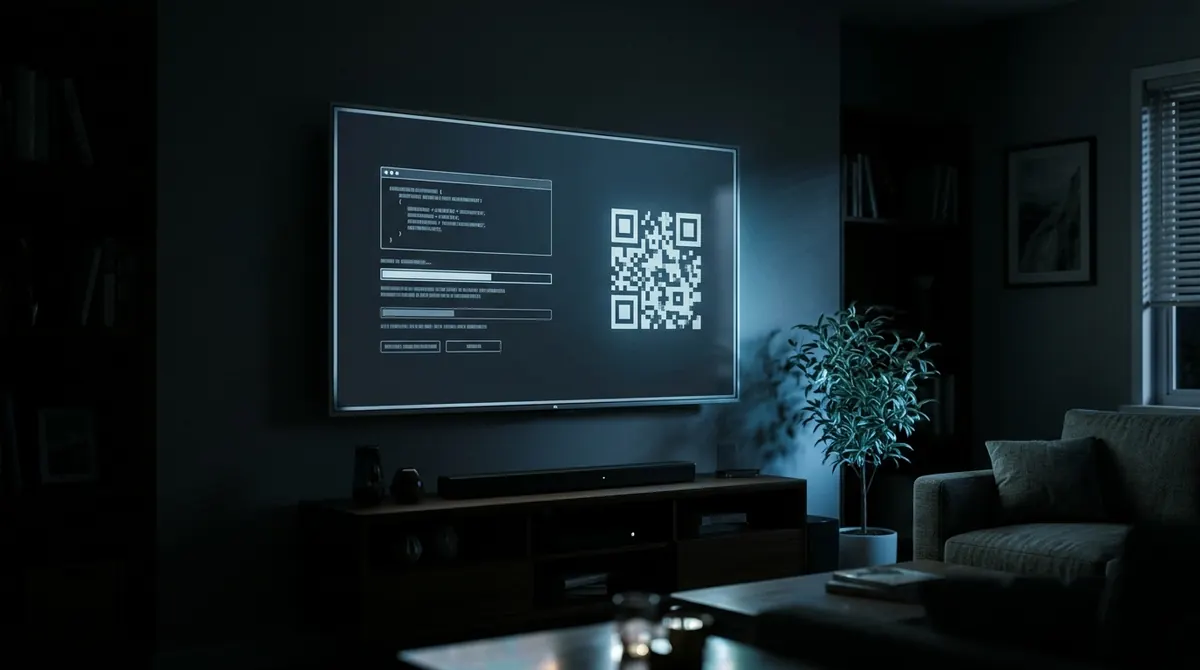
- On first launch, the app displays a MAC address and a device key.
- On a computer or phone, you go to the publisher’s website and enter these two pieces of information.
- You add the M3U playlist or your provider’s Xtream credentials there.
- You restart the app on the television: the playlist is loaded.
This method saves you from typing a long address with the remote, but it requires you to entrust your playlist to a third-party website, which must be done with care (see securing your credentials).
Trial period and paid activation
IBO Player works during a trial period, then asks for a paid activation, generally per device (annual or lifetime depending on the publisher’s offers). Each television has its own MAC address: changing television may require a new activation.
Beware of fake websites and resellers
- Activate the app only on the publisher’s official website, shown in the app itself.
- Be wary of sellers offering “IBO Player + channels” in a single payment: the player and the content are two separate things, and these bundles often hide an illegal subscription.
- Never pay for an activation with a gift card or through a messaging app.
Common problems
| Problem | What to try |
|---|---|
| “Empty playlist” or nothing loads | Check the MAC address entered on the website, then restart the app |
| Trial has ended | Activation is required to continue |
| Empty programme guide | The provider must supply an EPG; see the EPG |
| Picture freezes | Network or server; see buffering |
A free alternative, with no activation
AICKO IPTV is free, ad-free and has no activation fee. It works on Samsung Tizen, Android TV, Fire TV, iPhone and iPad, Android and Windows. On the television, pairing with a code replaces the MAC address: you add your subscription from your phone, without going through a third-party website, and the setup is synced across your screens.
AICKO IPTV is not available on LG televisions (webOS). On an LG, plug in a Fire TV stick or an Android TV box, see IPTV on an LG television.
In short
- IBO Player reads M3U and Xtream playlists added on a website using the television’s MAC address.
- After a trial period, a paid activation per device is requested.
- Activate only on the official website and never pay for a “player + channels” bundle.
- AICKO IPTV is a free alternative with no activation, with code pairing.
Frequently asked questions
Is IBO Player free?
It is free during a trial period, then a paid activation per device is requested.
Where can I find the MAC address for IBO Player?
It is displayed when the app launches and in its settings, along with the device key.
Does IBO Player supply channels?
No, it is a player: you must add an M3U playlist or Xtream access obtained separately.
What is a free alternative to IBO Player?
AICKO IPTV is free, ad-free and needs no activation, on Samsung, Android TV, Fire TV, iPhone, Android and Windows.