webOS, the system of LG televisions
Since 2014, LG has fitted its smart TVs with webOS. Like Tizen at Samsung, it is a closed system: an Android app (APK file) cannot be installed on it. Apps are found only in the LG store, called the LG Content Store or simply Apps depending on the model.
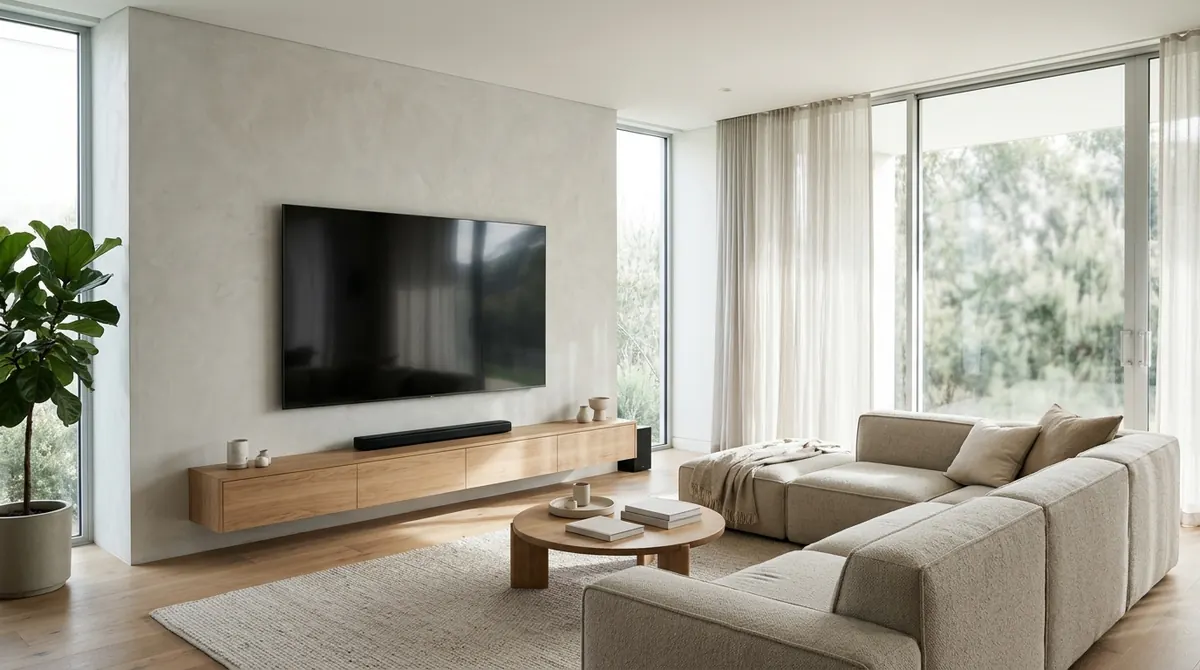
Finding an IPTV player in the LG store
- Press the Home button on the remote.
- Open Apps (or LG Content Store).
- Search for “IPTV”, “M3U” or the name of the player you want.
- Install, then sign in with an LG account if the television asks for it.
Check the webOS version required by the app (Settings → General → About This TV): older models no longer receive every app.
What to check before installing
- Does the player accept your format, M3U or Xtream Codes?
- Is it free, or does it require a paid activation after a trial?
- Do you have to entrust your playlist to a third-party website via the television’s MAC address?
- Does the publisher provide a privacy policy and a clear contact?
The simplest solution: an HDMI stick or box
If the player you want does not exist on webOS, plug a more open device into the television’s HDMI port:
| Device | Advantage |
|---|---|
| Fire TV Stick | Small, affordable, Amazon Appstore |
| Google TV / Android TV box or stick | Full Play Store, see choosing an Android TV box |
| PC connected over HDMI | The television screen with Windows software |
The LG television then becomes a simple screen, and you choose your player freely. AICKO IPTV does not exist on webOS, but it works for free on Android TV, Fire TV and Windows, as well as on Samsung, iPhone and Android.
Setting up the LG television properly
- Enable HDMI Ultra HD Deep Colour on the input used for 4K and HDR.
- Prefer an Ethernet connection on the box or stick (with an adapter if needed), see Wi-Fi, Ethernet or powerline.
- Turn off aggressive picture processing (motion smoothing) if the picture looks artificial.
In short
- LG televisions run webOS: only apps from the LG store can be installed.
- Check the webOS version, the accepted format and the player’s payment model.
- A Fire TV stick or an Android TV box over HDMI lets you use any player.
- AICKO IPTV is not on webOS but works for free on Fire TV, Android TV and Windows.
Frequently asked questions
Can I install an APK on an LG television?
No, webOS does not accept Android apps. Only apps from the LG store can be installed.
Which IPTV app should I use on an LG television?
Search for “IPTV” or “M3U” in the television’s Apps store and check the accepted format and the price of activation.
Does AICKO IPTV work on LG?
Not directly: the app does not exist on webOS. Plug a Fire TV stick or an Android TV box into the television to use it.
How do I find out the webOS version?
Open Settings, General, then About This TV.