Start by locating the fault
The question that saves the most time: does the problem affect everything, or only some channels?
- Nothing loads: connection, credentials or server.
- Only some channels: stream down on the provider’s side, or a format that is not decoded.
- Everything works then freezes: bandwidth, Wi-Fi or server overload.
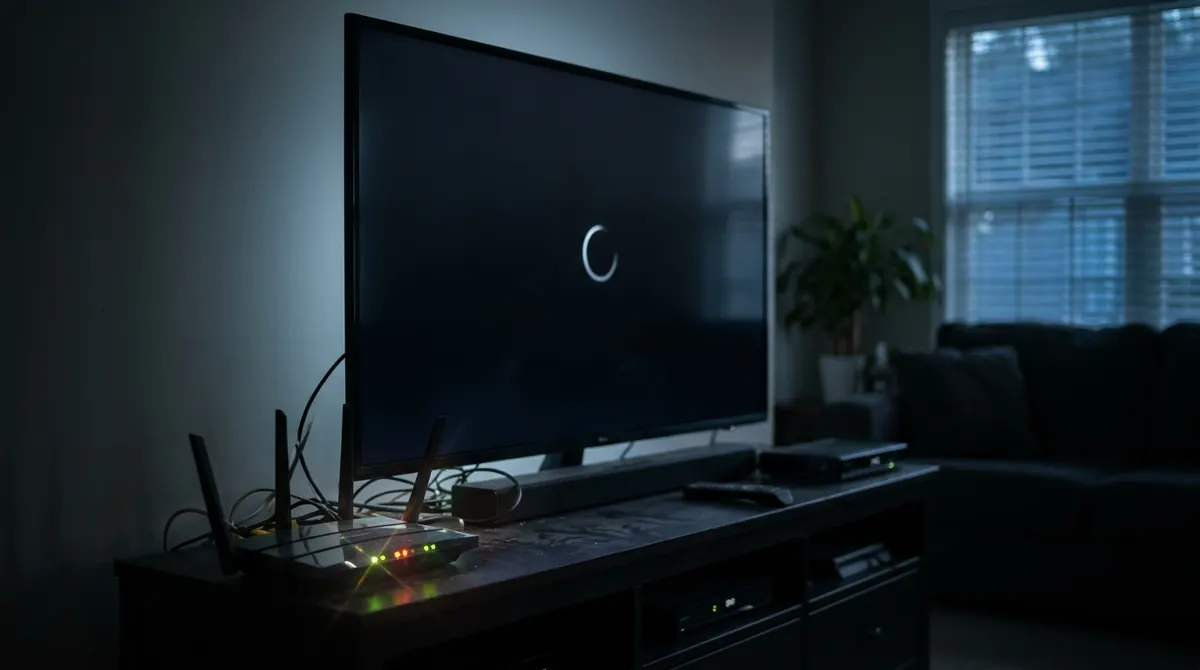
The 12 fixes, in order
- Check the internet: does an online video or a speed test work on the same device?
- Restart the box and the device: unplug for 30 seconds, then plug back in.
- Check the subscription: expiry date, number of devices allowed at the same time.
- Check the credentials: an extra space,
httpinstead ofhttps, or a forgotten port is enough to block everything. See the Xtream Codes API. - Test in another player: open the same playlist in VLC. If nothing plays, the problem comes from the server.
- Clear the app’s cache or reinstall it, then reload the playlist.
- Update the app and the device.
- Correct the date and time on the device: a wrong time breaks secure connections and shifts the guide.
- Change the output format: switch from
tstom3u8(HLS) if the player offers it. - Switch to Ethernet or move closer to the box: see Wi-Fi, Ethernet or powerline.
- Disable the VPN or DNS filtering for a test: some block video streams.
- Contact the provider if nothing changes: the fault is almost certainly on their side.
Symptom by symptom
| Symptom | Likely cause | Fix |
|---|---|---|
| Black screen with sound | Codec not decoded (often HEVC) | See codecs, change player or channel version |
| Picture freezes | Insufficient bandwidth or overloaded server | See buffering |
| Empty programme guide | EPG not supplied or not matched | See the EPG |
| “Authentication failed” | Wrong credentials or expired subscription | Check the credentials, contact the provider |
| No sound or wrong language | Audio track | See audio tracks and subtitles |
| It all worked, then nothing overnight | Server shut down or blocked | Check the legality of the offer |
When the service has been blocked
In several countries, authorities and rights holders have illegal services blocked by internet providers. If a service stopped working for everyone at the same time, it is often a block or a shutdown. Getting around the block does not make the offer legal: see spotting a legal offer.
The case of AICKO IPTV
In AICKO IPTV, a channel that does not load shows a clear message; if all of them fail, check the access details in the profile, then see the FAQ and the getting started guide. The player supplies no content: if your provider’s server is down, no app will be able to display it.
In short
- First determine whether the fault affects everything or only some channels.
- Restarting, credentials, date and time, cache and updates fix most cases.
- If the playlist does not work in VLC either, the problem comes from the server.
- A service that stops for everyone overnight is often shut down or blocked.
Frequently asked questions
Why has my IPTV stopped working?
The most common causes are an expired subscription, changed credentials, a server outage, a network that is too weak or a blocked service.
Why do I have sound but no picture?
The device probably cannot decode the channel’s codec, often HEVC. Try another player or an HD version of the channel.
How can I tell whether the problem comes from the server?
Open the same playlist in another player, such as VLC, and on another device. If nothing works anywhere, it is the server.
Why is the programme guide not showing?
The provider does not supply an EPG, or the channel identifiers do not match those in the guide.